Which ESP32 to buy
For a first project with a screen take a Cheap Yellow Display: the screen, touch and microSD are already on the board. For a camera take ESP32-CAM with its programmer board. For your own wiring take an ESP32 DevKit, or an ESP32-C3 SuperMini if it has to be small. The list below shows how many projects each board has on Chipnik.
Updated November 6, 2026
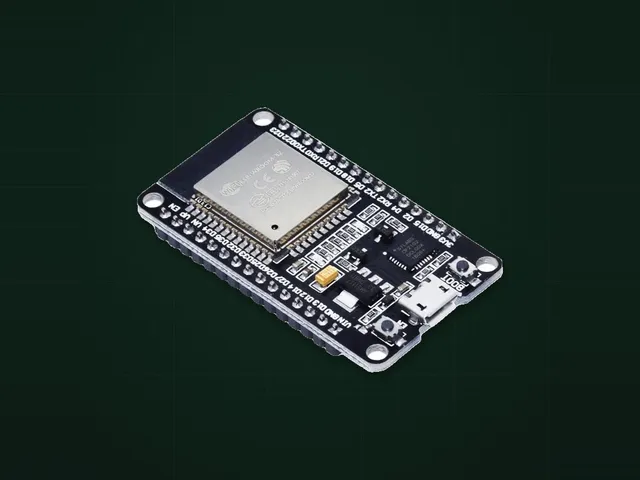
Chips side by side
| Chip | Cores | RAM | Wi-Fi | Bluetooth |
|---|---|---|---|---|
| ESP32 | 2 × 240 MHz | 520 KB | Wi-Fi 4 | 4.2 and BLE |
| ESP32-S3 | 2 × 240 MHz | 512 KB | Wi-Fi 4 | BLE 5 |
| ESP32-C3 | 1 × 160 MHz | 400 KB | Wi-Fi 4 | BLE 5 |
| ESP32-C6 | 1 × 160 MHz | 512 KB | Wi-Fi 6 | BLE 5, plus Zigbee and Thread |
| ESP8266 | 1 × 160 MHz | About 50 KB free with Wi-Fi | Wi-Fi 4 | None |
What to look at before you buy
- Classic Bluetooth, for example for audio, exists only on the plain ESP32 in this table. The others have BLE.
- The same name can hide different boards. The Cheap Yellow Display comes with one or two USB ports, and each needs its own build.
- Look at the USB chip in the seller's photos. CH340 and CP2102 sometimes need a driver. The ESP32-S3 and C3 have USB in the chip on some boards.
- ESP32-CAM has no USB. Buy it with the ESP32-CAM-MB programmer board, otherwise you also need a USB-UART adapter.
- Buy a USB cable that carries data if you only have charging cables.
Shops and starter sets are on the What to buy page.
Boards in this guide
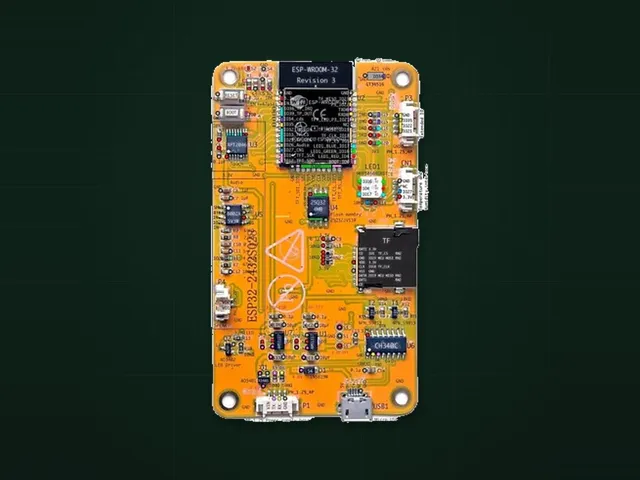
Cheap Yellow Display
Screen, touch and microSD on one board, no soldering.
18 projects
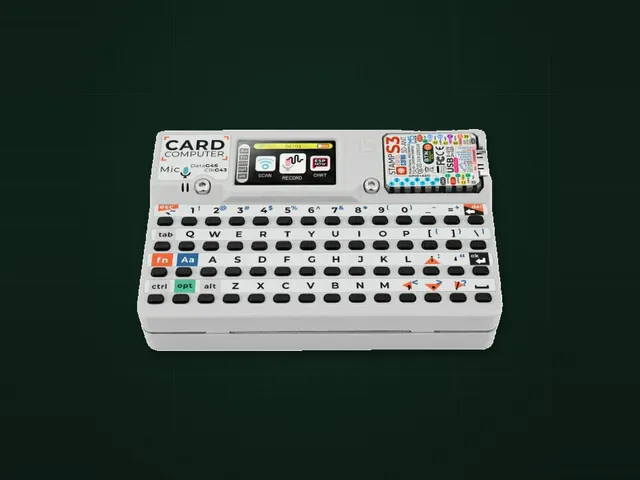
M5Stack Cardputer
Pocket computer with a keyboard and a screen.
15 projects
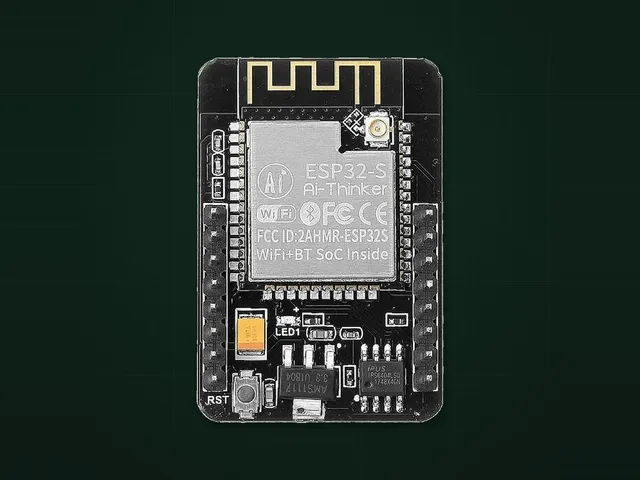
ESP32-CAM
Camera and microSD. Needs a programmer board.
4 projects
ESP32 DevKit
All pins on headers for your own wiring.
19 projects
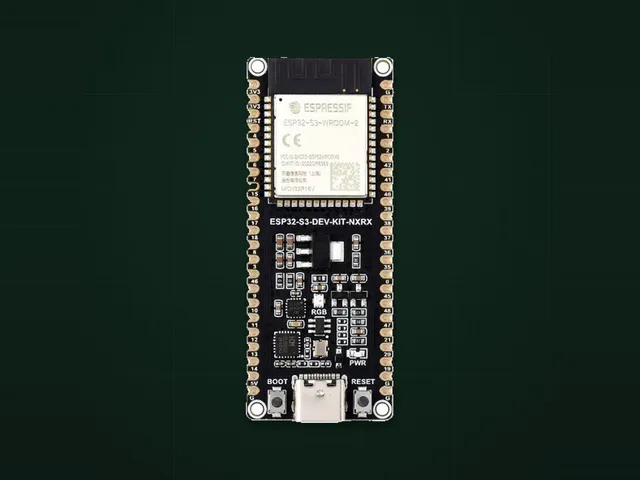
ESP32-S3 DevKit
USB in the chip and more GPIO.
17 projects
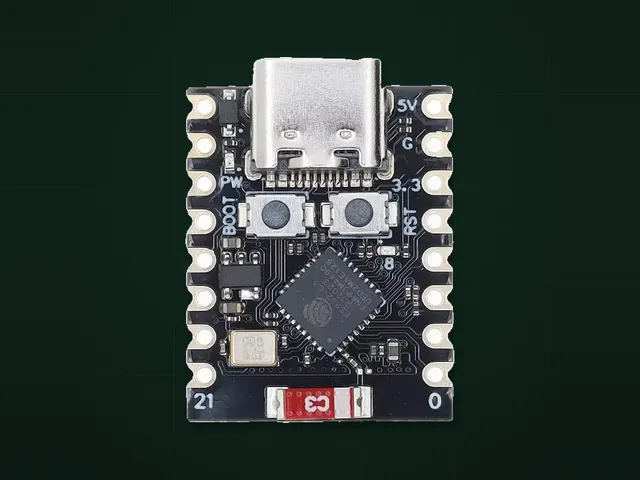
ESP32-C3 SuperMini
Very small, for sensors and simple devices.
11 projects